


The first time I saw the words “There was an error redeeming your code”, I froze. I had just scratched the back of my Google Play gift card carefully, typed the code twice to be sure, and pressed redeem with confidence. Instead of adding funds to my account, an unexpected message appeared. A Google Play Card Error.
At that moment, confusion replaced excitement. Was the card fake? Had it already been used? Did I type something wrong? What followed was a deep dive into understanding what causes these errors and how to resolve them calmly and correctly.
If you’ve ever faced that same frustrating screen, this guide will walk you through everything you need to know.
The Google Play Card Error Message
A Google Play Card Error usually appears when the system cannot validate or process your code. It may say the code is invalid, already redeemed, or not eligible for your region.
These messages can feel alarming, especially if you just purchased the card. But an error does not automatically mean fraud or loss. In many cases, it is simply a technical or regional issue.
Google Play gift cards are tied to specific countries. If your Google account is registered in a different region from where the card was purchased, redemption may fail.
Understanding this first step helps you respond logically instead of emotionally.
Common Causes Behind Google Play Card Error
Several factors can trigger a Google Play Card Error. One of the most common reasons is incorrect entry. Even one misplaced character can prevent successful redemption. Another frequent cause is regional mismatch, where the card was bought in a country different from your Google Play account location.
In rare cases, network issues or temporary system delays may also block the process. And unfortunately, if the card was previously redeemed or tampered with before purchase, an error will appear immediately.
Identifying the cause is the key to solving the problem efficiently.
Checking for Typing Mistakes and Simple Fixes
Before assuming the worst, start with the basics. Re-enter the code slowly. Make sure you distinguish between similar characters such as “O” and “0” or “I” and “1.” If you’re typing manually, consider copying and pasting if possible to reduce error risk.
Ensure your internet connection is stable. A weak connection can interrupt the redemption process and trigger temporary system errors.
Sometimes the simplest explanation is the correct one.
Regional Restrictions and Google Play Card Error
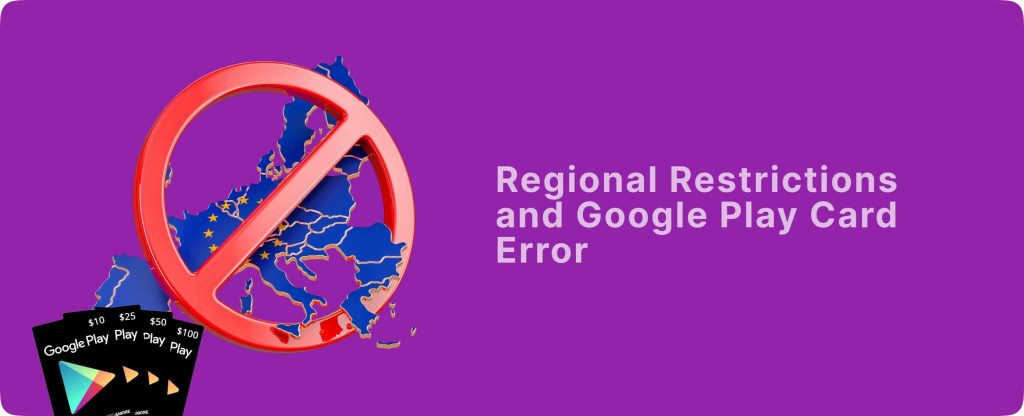
Many users overlook regional limitations. Google Play gift cards are country-specific. If you purchased a card in the United States but your Google account is registered in another country, the system may reject the code.
This is one of the most misunderstood causes of Google Play Card Error. Google enforces strict regional compliance to prevent fraud and unauthorized transfers.
If you suspect a region mismatch, verify your Google Play country settings before attempting redemption again.
When the Google Play Card Error Says “Already Redeemed”
This message can be the most worrying. If the system indicates that the code has already been used, it could mean one of two things. Either the card was redeemed earlier on your account and you may have forgotten, or someone else accessed the code.
Immediately check your Google Play transaction history to confirm whether the balance was added previously. If there is no record, contact official Google Play support for investigation.
Keep your receipt as proof of purchase. Documentation strengthens your case significantly.
Avoiding Scams That Cause Card Error
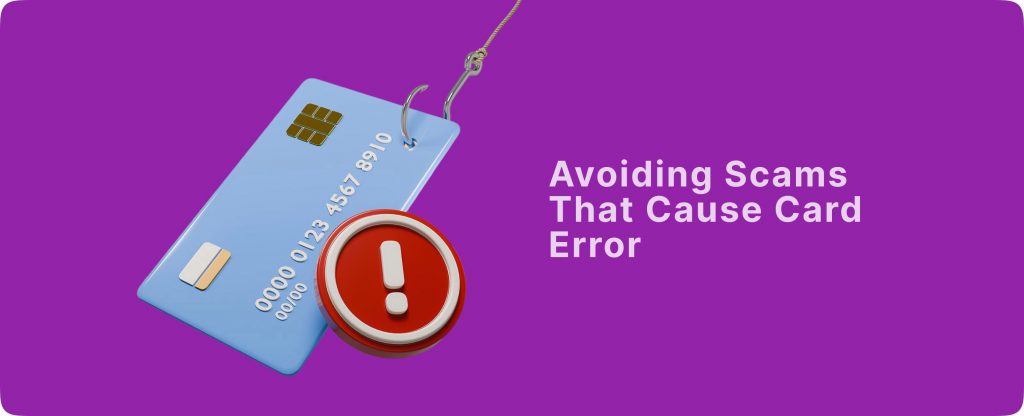
Unfortunately, scammers often exploit gift card systems. Never share your Google Play card code with anyone claiming to “verify” it. No legitimate company asks for your code via email or phone. Fraudsters may also sell fake or previously used cards through unofficial channels.
The same risk applies to other popular gift cards like Amazon, Steam, and iTunes. Because they hold instant redeemable value, they attract fraudulent activity.
Protecting your code before redemption is critical.
What to Do If You Cannot Redeem the Card
If you have confirmed there is no typing mistake or regional issue and the Google Play Card Error persists, your next step is official support.
Contact Google Play through their verified help center. Provide your receipt, the card details, and screenshots of the error message. Avoid using third-party “fix” services that promise instant solutions.
If you decide not to redeem the card or cannot use it due to regional restrictions, structured platforms like Regiftme may offer an alternative solution by converting eligible gift cards into value you can actually use.
For inquiries, Regiftme provides WhatsApp support at (+8619198157161) to clarify procedures before proceeding.
Turning Unused Gift Cards Into Cash or Crypto
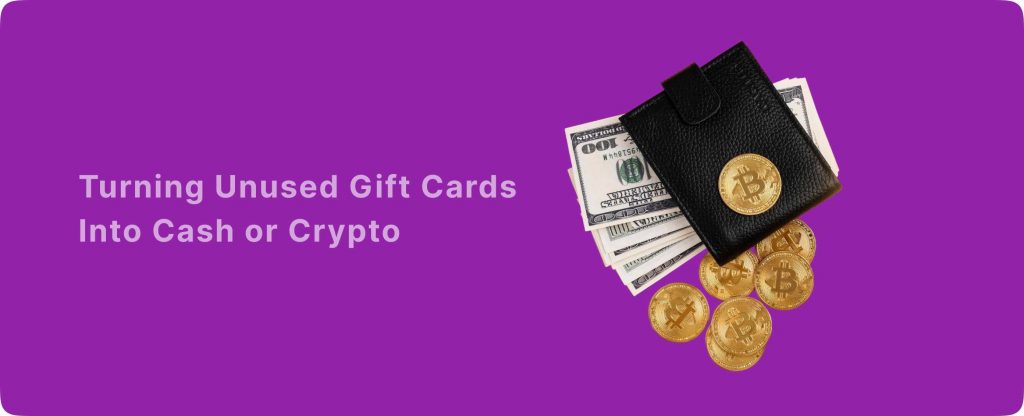
In situations where redemption becomes complicated, some users explore trading options.
Platforms like Regiftme allow individuals to convert certain gift cards into cash or cryptocurrency such as USDT. USDT is a stablecoin pegged to the US dollar, offering faster global transfers compared to traditional banking.
This flexibility shows how interconnected digital assets have become. A gift card is no longer limited to one platform; it can be transformed into broader financial value.
Clear communication through WhatsApp (+8619198157161) ensures transparency before making any decisions.
Learning From the Card Error Experience
Experiencing a Google Play Card Error can feel frustrating, but it also teaches important lessons about digital responsibility.
Always purchase gift cards from reputable sources. Verify regional compatibility before buying. Keep receipts safely. Redeem codes promptly rather than leaving them unused for long periods.
Understanding how gift card systems work reduces panic and increases control. Knowledge transforms confusion into confidence.
Staying Confident in a Digital Gift Card World
Gift cards, whether Google Play, Amazon, Steam, or iTunes, are powerful digital tools. They provide convenience, flexibility, and sometimes even liquidity when converted into crypto like USDT. But with power comes responsibility.
A Google Play Card Error does not automatically mean loss. It often signals a solvable issue of typing mistakes, regional mismatch, or temporary technical problems.
The key is to remain calm, verify carefully, and use only trusted platforms when seeking alternatives.
When next an error message appears on your screen, will you panic or will you approach it with clarity and control?
