


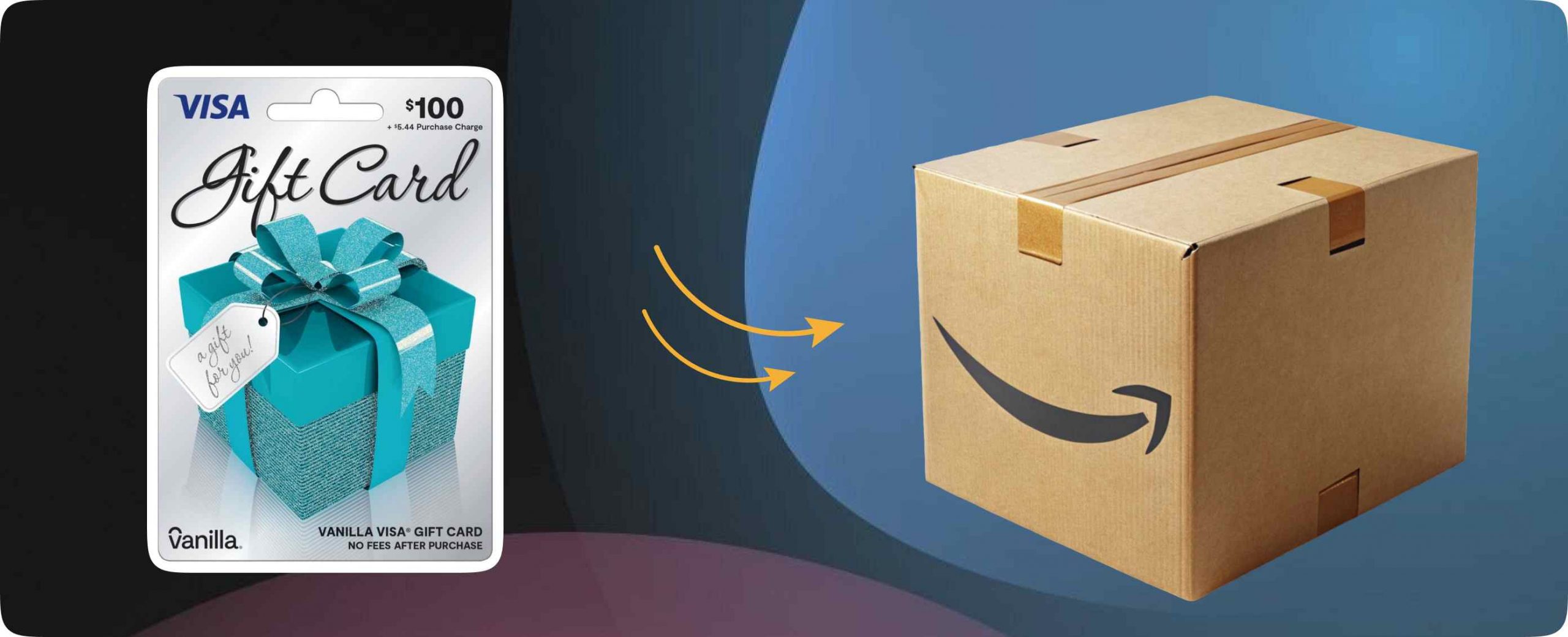
So, you’ve got a Vanilla gift card burning a hole in your pocket, and you’re eyeing that shiny new gadget on Amazon. Great minds think alike! But here’s the plot twist: using Vanilla gift cards on Amazon isn’t quite as straightforward as swiping your regular credit card. Don’t worry though, I’ve got your back.
Let’s walk through exactly how to make those Vanilla gift cards work their magic on the world’s biggest online shopping platform.
Can You Use Vanilla Gift Cards on Amazon Directly?
Here’s the deal: technically, yes, you can use Vanilla gift cards on Amazon, but there’s a small catch. Amazon doesn’t accept gift cards as a direct payment method the way they accept credit or debit cards.
Your Vanilla Visa or Mastercard gift card won’t show up as an option when you’re frantically clicking “checkout” at 2 AM.
But before you throw your hands up in defeat, there’s a workaround that’s totally legit and actually pretty simple. Think of it as taking the scenic route, you’ll still get to your destination, just with one extra step.
The Smart Way to Use Vanilla Gift Cards on Amazon
The golden ticket here is converting your Vanilla gift card balance into Amazon gift card credit. I know, it sounds like we’re doing some kind of financial alchemy, but it’s completely normal and something thousands of people do every day.
Here’s how it works: you’ll use your Vanilla gift card to purchase an Amazon gift card, then apply that Amazon gift card to your account. Boom! Your Vanilla card balance is now Amazon shopping credit. It’s like converting your dollars to euros before a European vacation, except way easier and you don’t have to deal with airport currency exchange desks.
Step-by-Step: Using Vanilla Gift Cards on Amazon
Ready to make this happen? Grab your Vanilla gift card and let’s do this.
Step 1: Register Your Vanilla Gift Card
First things first, you need to register your Vanilla gift card online. Head to the website listed on the back of your card (usually VanillaGift.com or MyVanillaDebitCard.com). You’ll need to enter your card details and add your name and billing zip code.
This step is crucial because Amazon needs this info to verify the card. Skip it, and your purchase will get rejected faster than a bad pickup line.
Step 2: Check Your Balance

While you’re on the Vanilla gift card website, check your exact balance. This is important because you’ll want to know precisely how much you can spend. Nothing’s more annoying than trying to buy a $50 Amazon gift card when you’ve only got $47.23 left on your Vanilla card.
Step 3: Head to Amazon’s Gift Card Page
Log into your Amazon account and navigate to the gift cards section. You can find this by searching “Amazon gift cards” or going directly to amazon.com/gift-cards. Look for the option to buy a gift card for yourself, you’ll want an e-gift card since it’s instant.
Step 4: Choose Your Amount
Here’s where that balance check comes in handy. Select the amount you want to purchase, making sure it doesn’t exceed your Vanilla card balance. Pro tip: if you’ve got an odd amount like $37.82, you can enter a custom amount to use every last cent.
Step 5: Add Your Vanilla Card as Payment
When you get to the payment screen, add your Vanilla gift card as a credit or debit card. Enter the card number, expiration date, CVV code, and the billing information you registered earlier. Make sure everything matches exactly, Amazon’s pretty picky about this stuff.
Step 6: Complete Your Purchase

Hit that purchase button and watch the magic happen. You’ll receive your Amazon gift card code via email within minutes. Sometimes it’s so fast you’ll wonder if Amazon has teleportation technology.
Step 7: Apply to Your Account
Copy that gift card code from your email and go to “Gift Cards” in your Amazon account. Click “Redeem a Gift Card” and paste in your code. Congratulations! Your Vanilla gift card balance is now Amazon credit, ready to fuel your shopping spree.
Here’s the thing: not every gift card gets used. But that doesn’t mean your money should disappear! With Regiftme, you can sell those unused cards for actual cash (Naira, Cedis, or crypto, your choice). Best part? Real human support on WhatsApp at +852 6500 7161 whenever you need help. Stop holding onto cards you won’t use, turn them into money with Regiftme!”
Vanilla Gift Cards on Amazon: Important Tips

Before you go wild with your newfound knowledge, here are some insider tips to keep your experience smooth.
Watch Out for Fees: Some Vanilla gift cards charge monthly maintenance fees after a certain period. Use that balance sooner rather than later, or you’ll watch it slowly evaporate like water in the desert.
Split Payments: If your Vanilla card doesn’t cover your entire Amazon gift card purchase, you can often split the payment with another card. Just add both payment methods at checkout.
Keep Track of Small Balances: Got $3.47 left on a card? Don’t let it go to waste. Buy a small Amazon gift card for that exact amount and add it to your account for future purchases.
Check Expiration Dates: Vanilla gift cards do expire, usually after a few years. Mark your calendar or use them quickly, don’t let free money disappear.
Bottom Line on Using Vanilla Gift Cards on Amazon
Using Vanilla gift cards on Amazon in 2026 might take an extra step, but it’s totally worth it to unlock your shopping potential. Think of it as a small price to pay for turning that gift card into anything your heart desires, from books to electronics to that oddly specific kitchen gadget you never knew you needed.
Don’t let that money go to waste! Regiftme lets you sell your unwanted gift cards instantly for cash in Naira, Cedis, or even crypto. Plus, our WhatsApp customer care (+852 6500 7161) is always ready to help. Turn those forgotten cards into real money today!”
The beauty of this method is that once you’ve done it once, it becomes second nature. You’ll be converting Vanilla gift cards to Amazon credit faster than you can say “add to cart.” So go ahead, put that gift card to good use, and happy shopping! Your future self (and your overflowing Amazon cart) will thank you.
